Download a Custom Report
You can download the selected custom report to Comma-separated values (CSV) file format for further editing, archiving, or sending by email. CSV files contain tabular data (numbers and text) in plain-text form. A specified separator is inserted between column values and each row starts on a new line.
To download a custom report:
- On the NRS homepage, click Create a Custom Report.
-
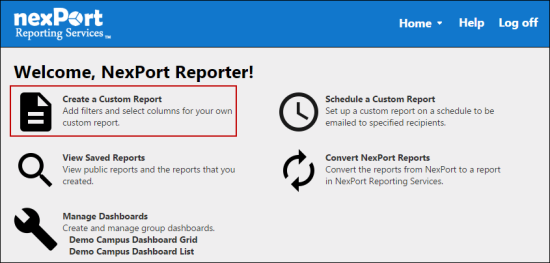
- The Create a Custom Report page is displayed.
- Do one of the following:
- In the upper-left corner, click the
 icon to view the flat report.
- In the upper-left corner, click the
 icon to view the aggregate report.
- Select the appropriate report type and organization filter.
-
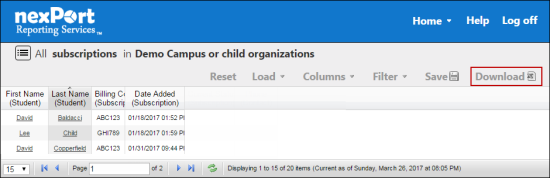
- In the menu, click Download.
- The selected report is downloaded in CSV format.
Note:
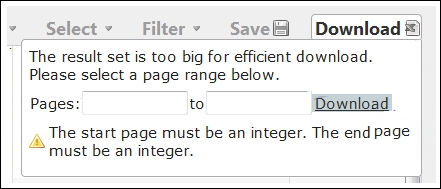
You receive the following notification, if a custom report has more than 100,000 results, "The result set is too big for efficient download. Please select a page range below." In such cases, you can type the page range for the custom report that you need to download.
-
 Related Topics
© NexPort Solutions 2017. All Rights Reserved.